Create, inspect and share a personal wrap
A workflow for this site’s generator, 3D viewer and privacy controls.
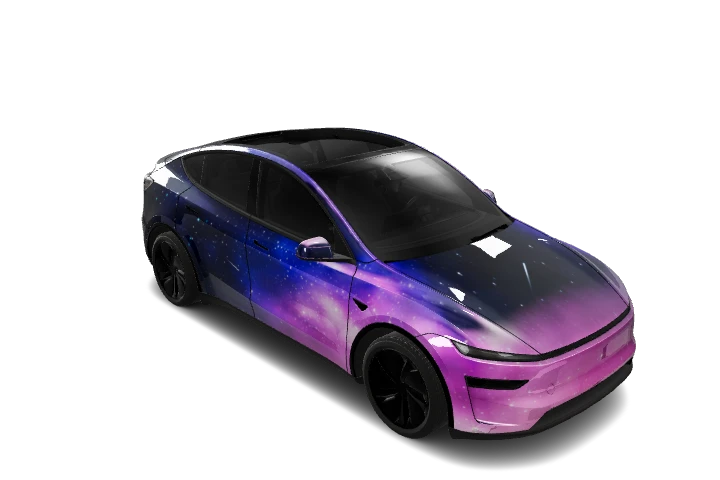
Choose the exact vehicle version before generating. A good-looking design on the wrong template can still misalign after import.
Describe a clear idea
Specify colors, motifs, placement and style. For example: a navy base with broad silver stripes along both sides and a clean roof. Avoid conflicting requests and check the displayed credit cost before generating.
Inspect the result
Rotate the vehicle in the right-hand preview and download the result. Check both sides, bumpers and roof. The larger detail viewer offers front, rear and side presets plus zoom.
The question-mark button explains dragging and scrolling or pinching. In the larger viewer, Space toggles rotation and 1, 2 and 3 select views. Move focus back to the preview if it is on an input or button.
Find your saved design
Open My Wraps. Viewing an existing design does not automatically publish it. Pending or failed designs cannot be published.
Choose visibility
Private designs are accessible only to their owner. Enable Show in gallery; after a successful save, the Added to gallery message confirms publication. Others can browse it or open its link. Switching back to private removes it from the gallery and revokes public access.
Review personal photos and identifying details before publishing, and use materials you have permission to share. Make the design public before sending its link to someone else.
Import the original PNG
Check the exact model and file requirements in the import guide. Confirm the final appearance in your vehicle as browser lighting can differ.
Explore more guides →