
Cybertruck wrap generator
A matching 1024 × 768 template
Cybertruck · Wrap files
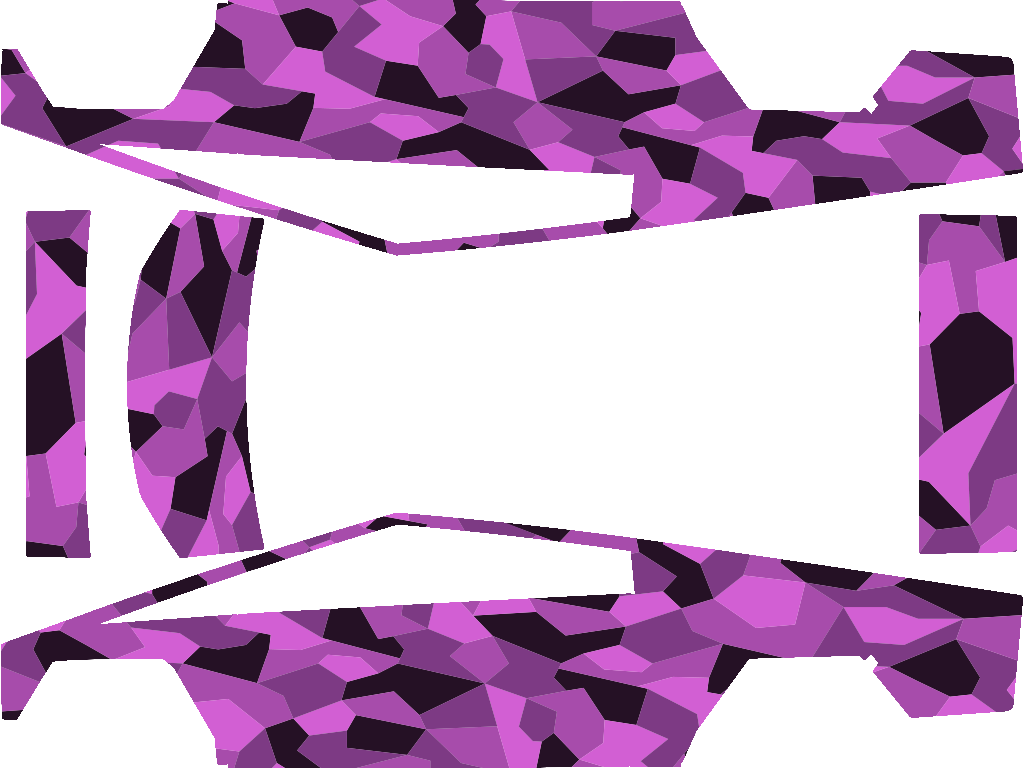
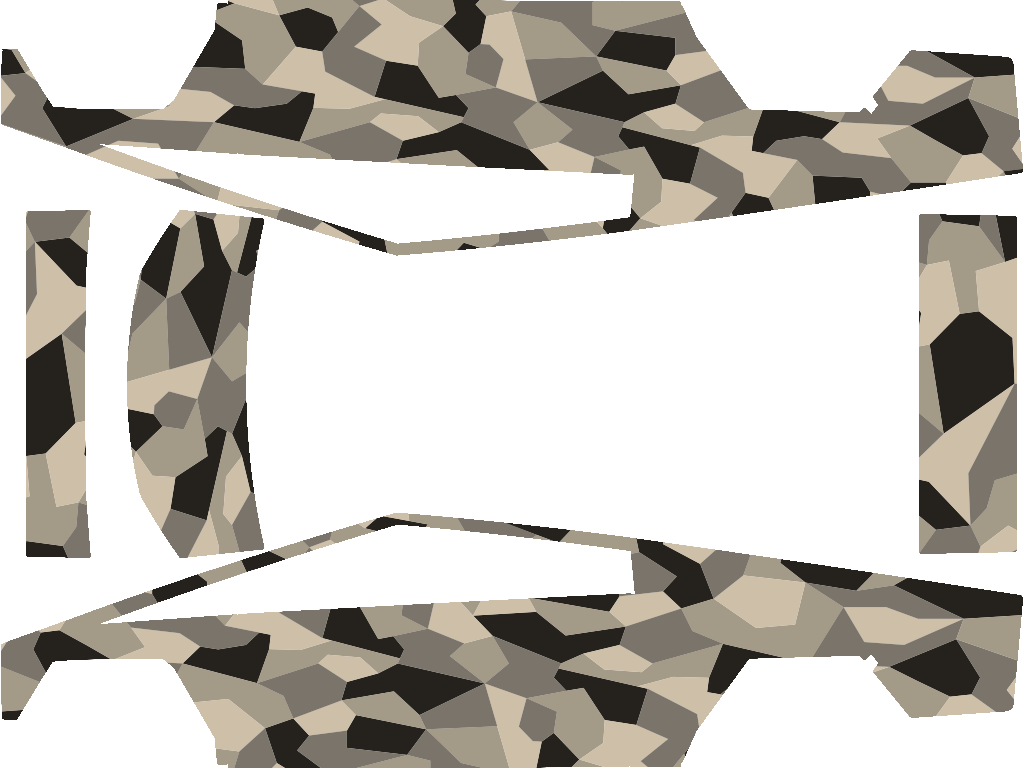
Explore wraps on their matching vehicle. Switch to the wrap map, open quick 3D previews or visit a design for details and downloads.

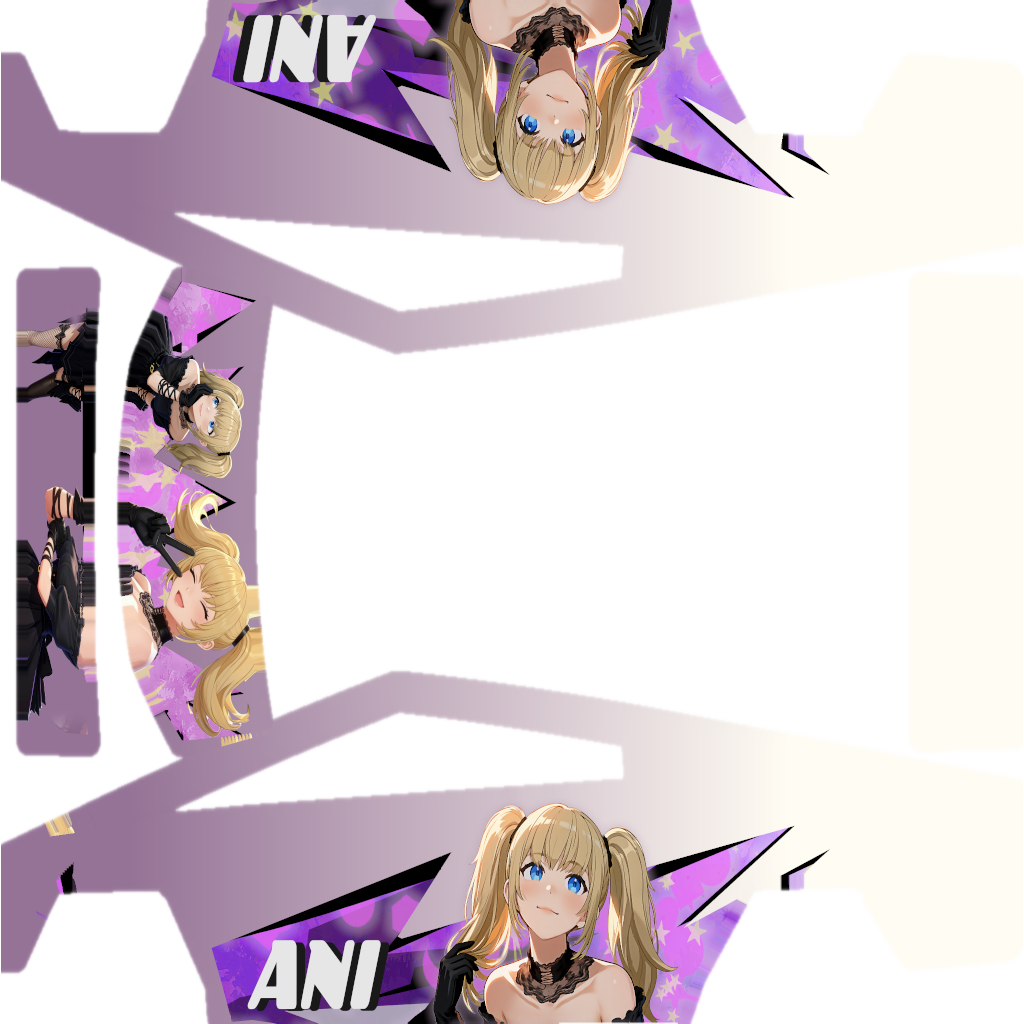

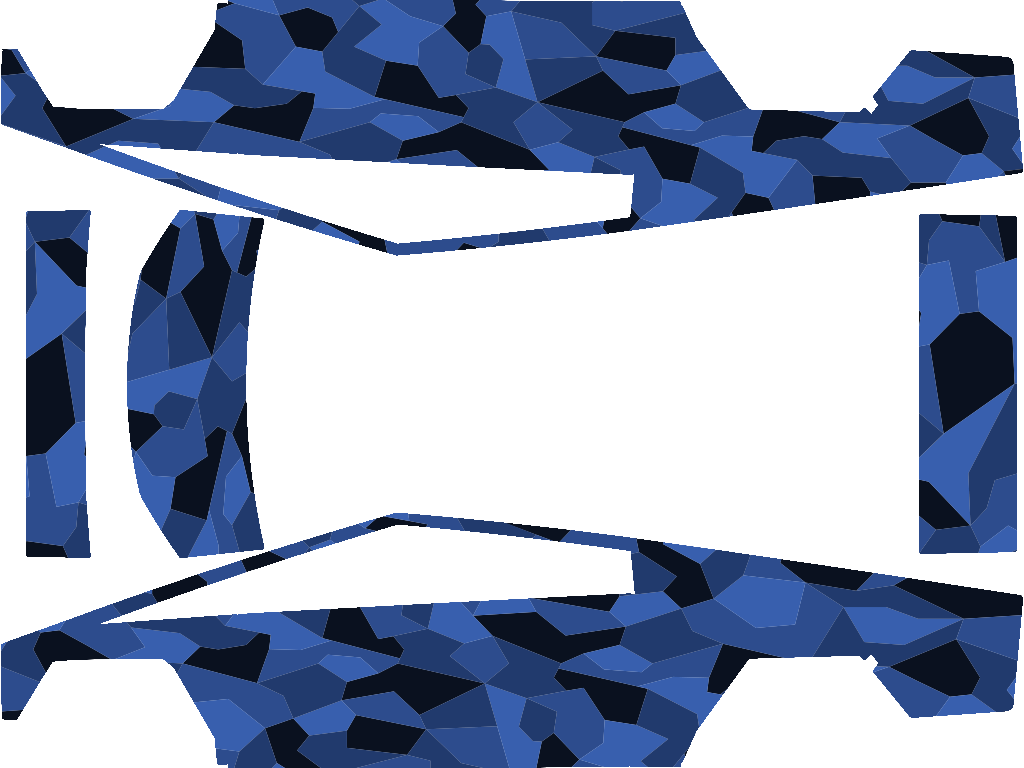
 Cybertruck
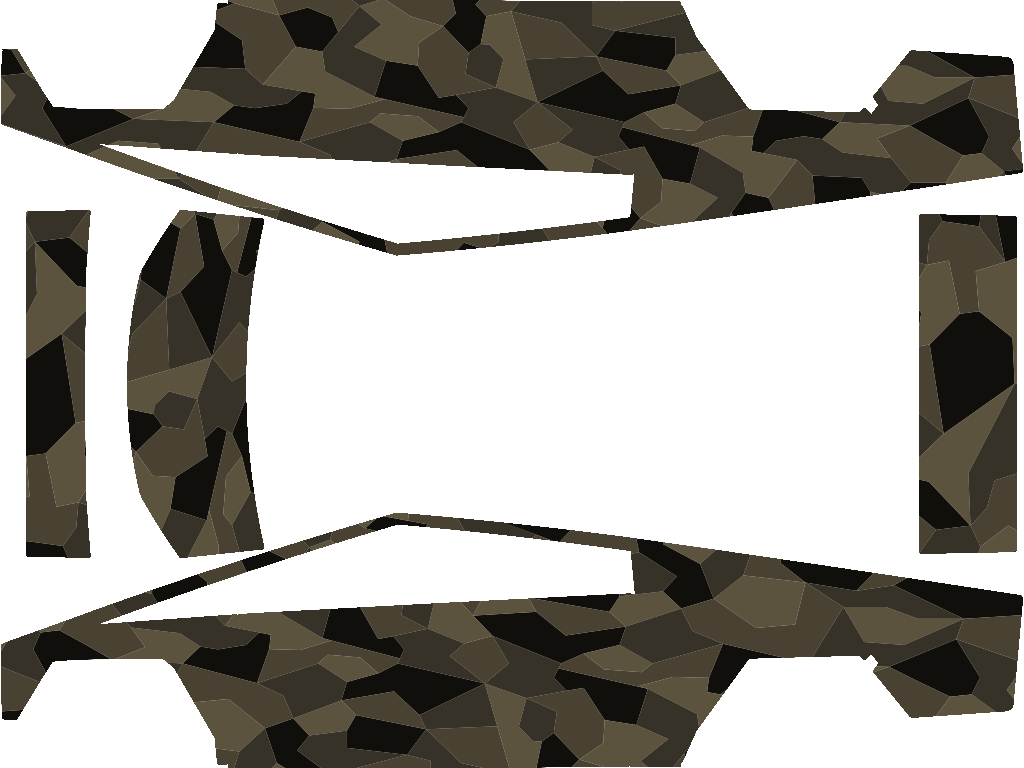
Camo Brown
Tesla official
 Cybertruck
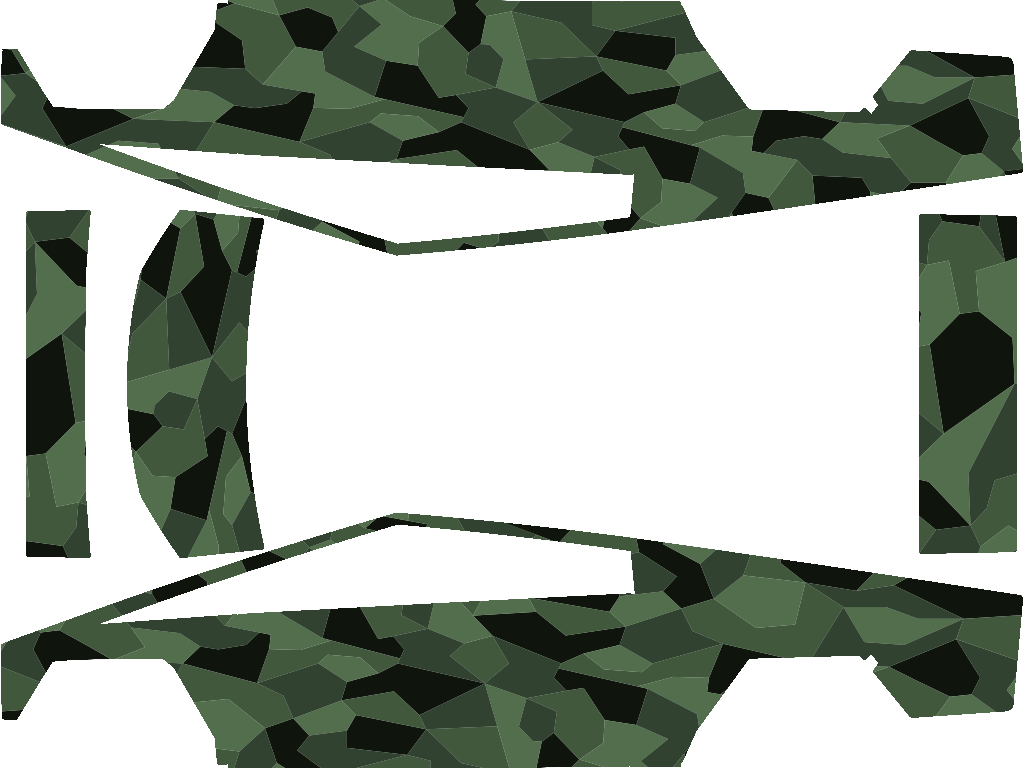
Camo Green
Tesla official



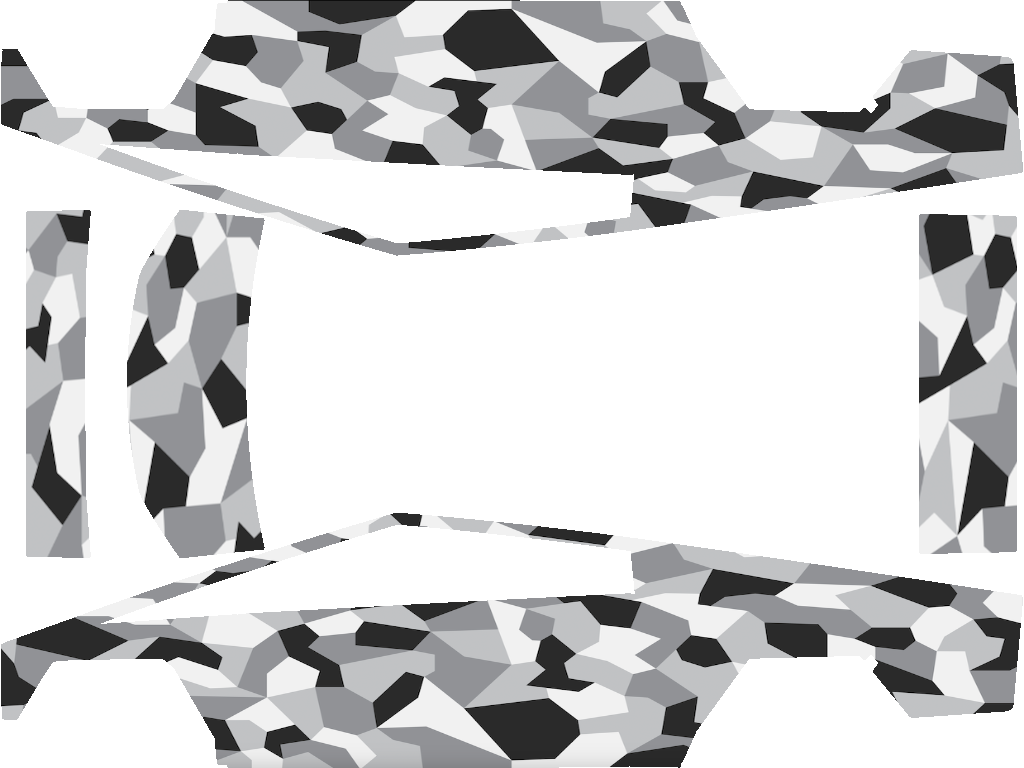
 Cybertruck
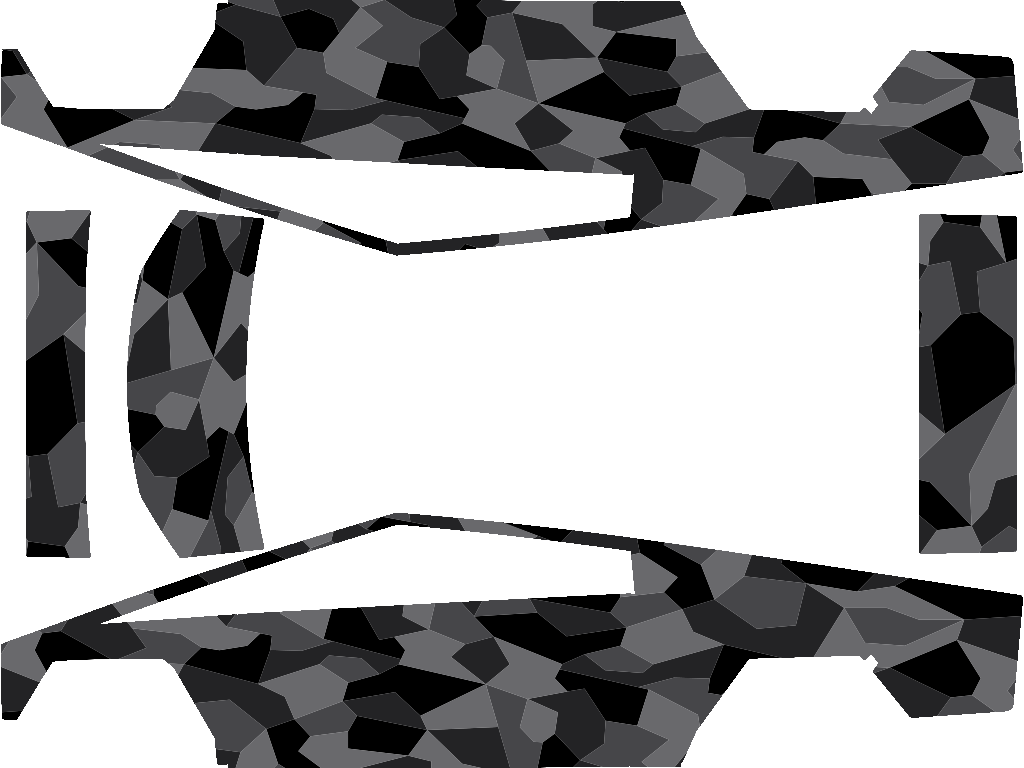
Camo Stealth
Tesla official

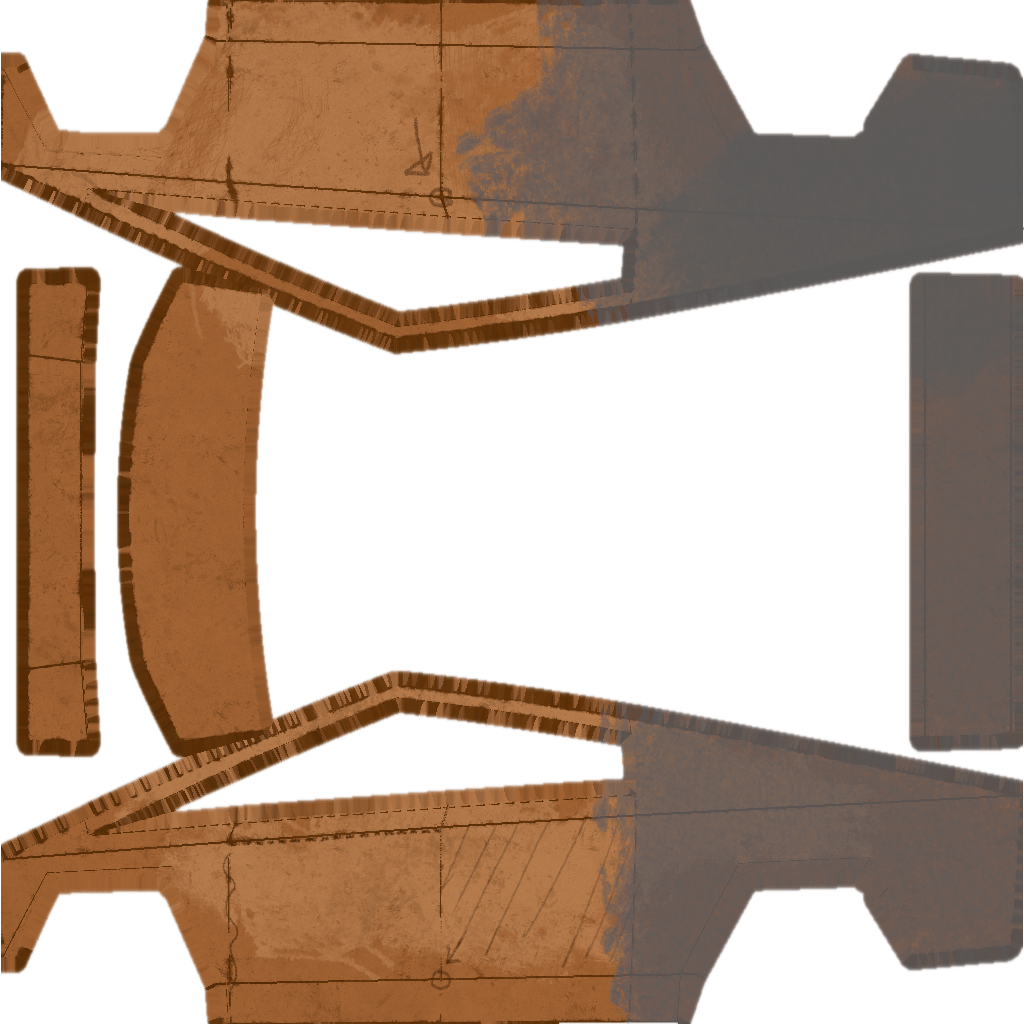

Design for your exact Cybertruck
Choose the year and trim for your Cybertruck, describe a palette and pattern, then inspect the flat map and 3D digital wrap.
From idea to preview
- 01
Match the vehicle version
Different years and trims can use different body templates.
- 02
Describe the design
Specify the main color, style and subject placement.
- 03
Preview and download
Inspect both sides, front, rear and seams before saving the PNG.
Get a better result
Start with the correct template
A wrong template can misalign artwork; resizing alone cannot fix layout differences.
Consider body proportions
Bold colors and clear subjects are easier to read on a vehicle display.
Explore official examples
Compare official examples with their flat maps to understand placement.
Questions, answered
Can different trims share a wrap?
Use the template for the exact vehicle version. Layout compatibility across versions is not guaranteed.
How many credits does it cost?
New accounts get one free generation; later generations cost 1 credit each. No subscription is required.
Can I use a photo reference?
Yes. Photo to wrap accepts a reference and lets you choose a vehicle.
How do I install it?
Download the PNG and follow the installation guide for supported Tesla App or USB import into Paint Shop.
Does it enter the gallery automatically?
Checked: publish to the gallery. Uncheck to keep this wrap private. You can change visibility later in My wraps.