
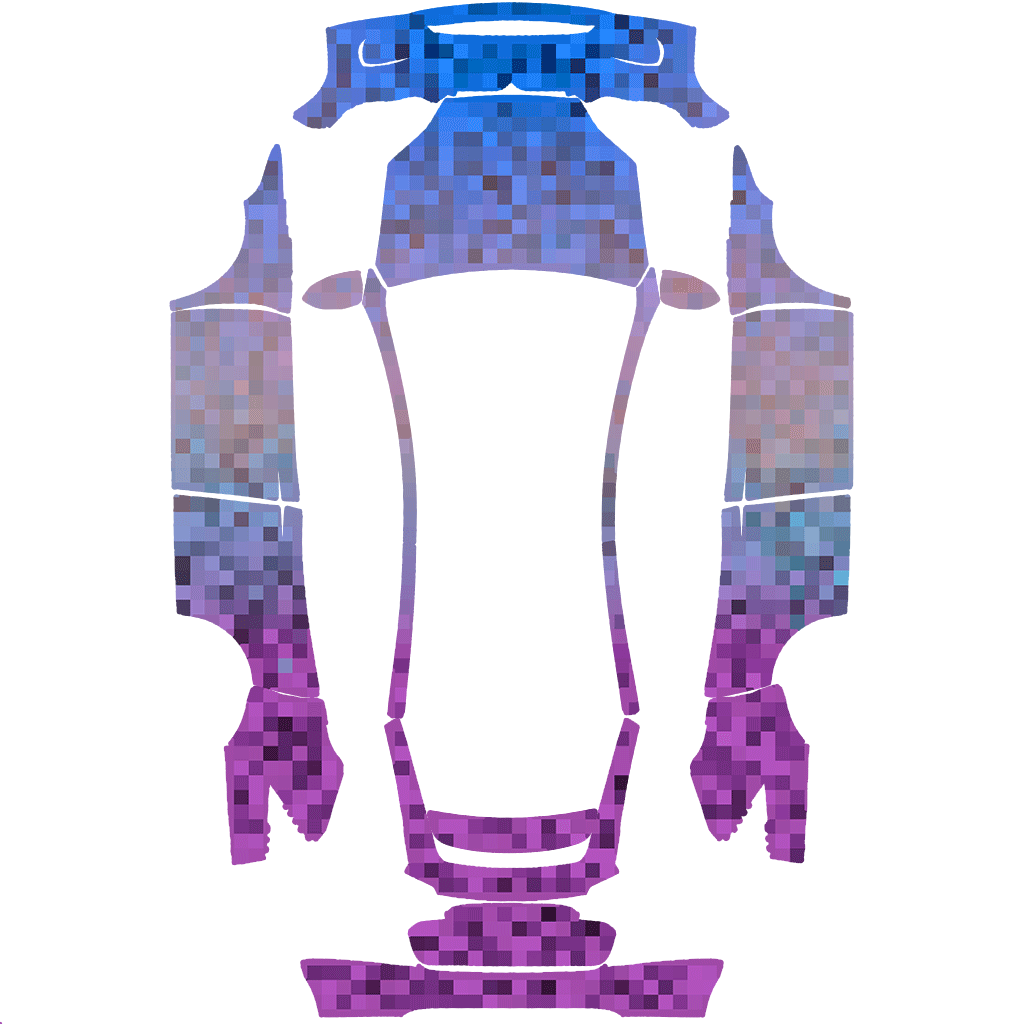
Model X (2021+)
Pixel Art
Preview this design and download its original model-specific PNG.
Model X (2021+)
Install this wrap on your Tesla
Three steps to apply your wrap
- 1
Download the original PNG for this exact vehicle: Model X (2021+) · Use the download button rather than a screenshot of the vehicle preview.
- 2
Put the PNG in a USB folder named
Wraps· Create that folder at the root of the drive. - 3
Connect the drive and open Toybox → Paint Shop → Wraps · Choose the wrap, apply it and inspect the sides and bumpers.
Use a filename up to 30 characters containing letters, numbers, spaces, dashes or underscores.
Import with the Tesla app instead
With app version 4.59.0 or later, open Creations → Wrap → Upload · Upload the PNG, then choose it in the vehicle’s Paint Shop. Availability depends on current software and vehicle support.
USB setup and file requirements
Supported file systems include:
exFAT— A common cross-platform choiceFAT32— WindowsMS-DOS FAT— macOSext3 / ext4— Linux
NTFS is currently unsupported. Check the drive format first.
Name the root folder Wraps, with that capitalization. Place PNGs directly inside it without another nested folder.
Keep map and firmware update files off the wrap drive, since they can interfere with recognition.
Formatting erases the drive. Back up important files before making changes.
Up to 10 wraps can load from the app and 10 from USB. Use the original dimensions for your exact template.